BarMouse 3 Central Pointing Device
Stop reaching for your mouse
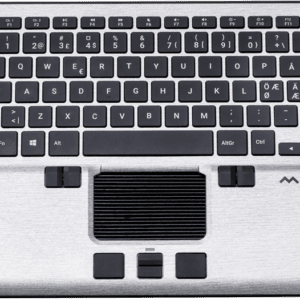
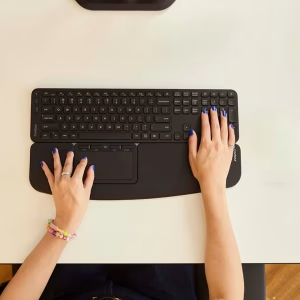
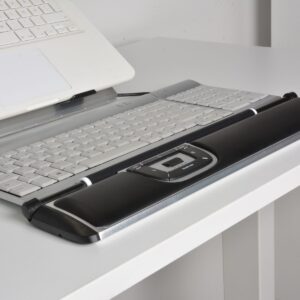
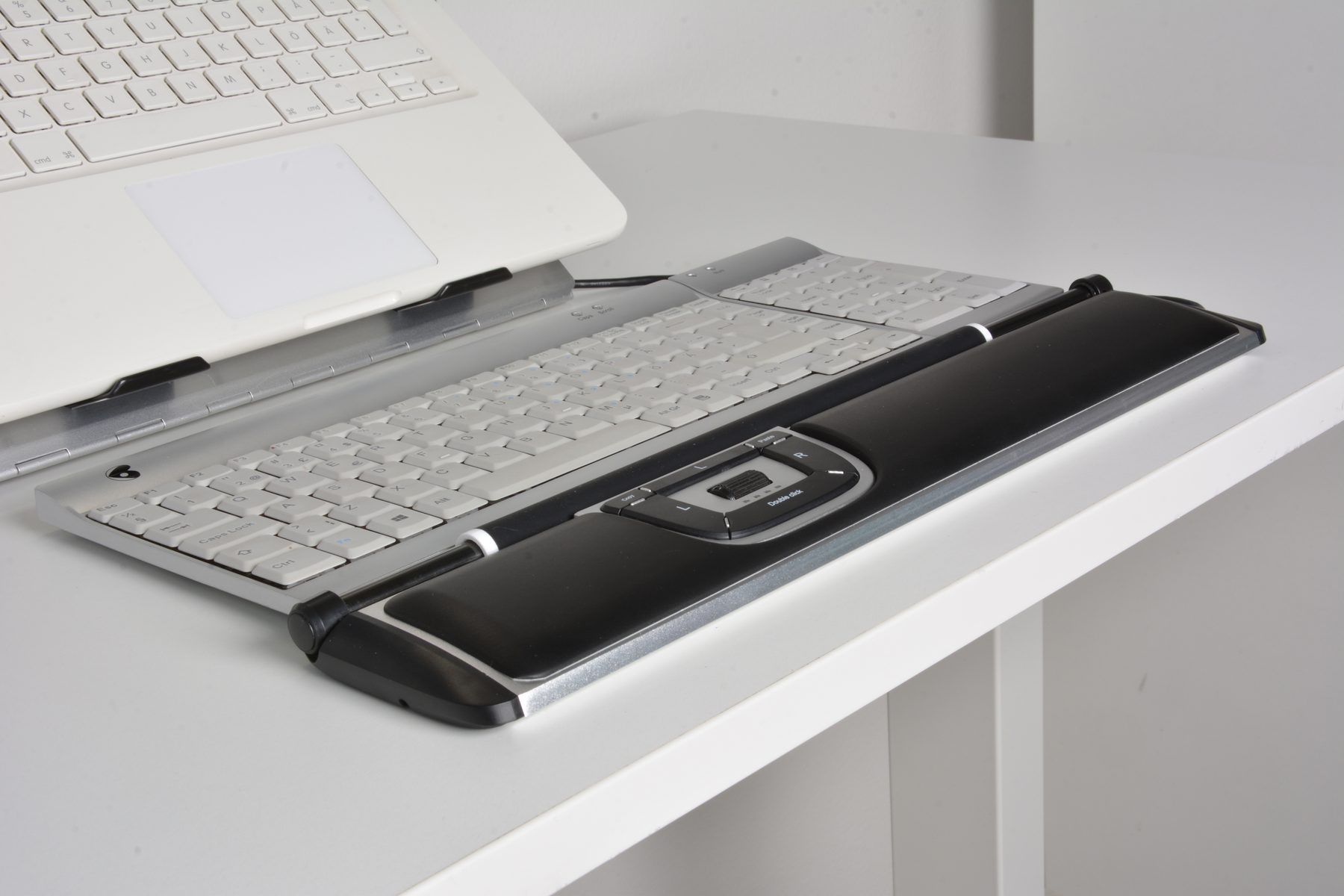
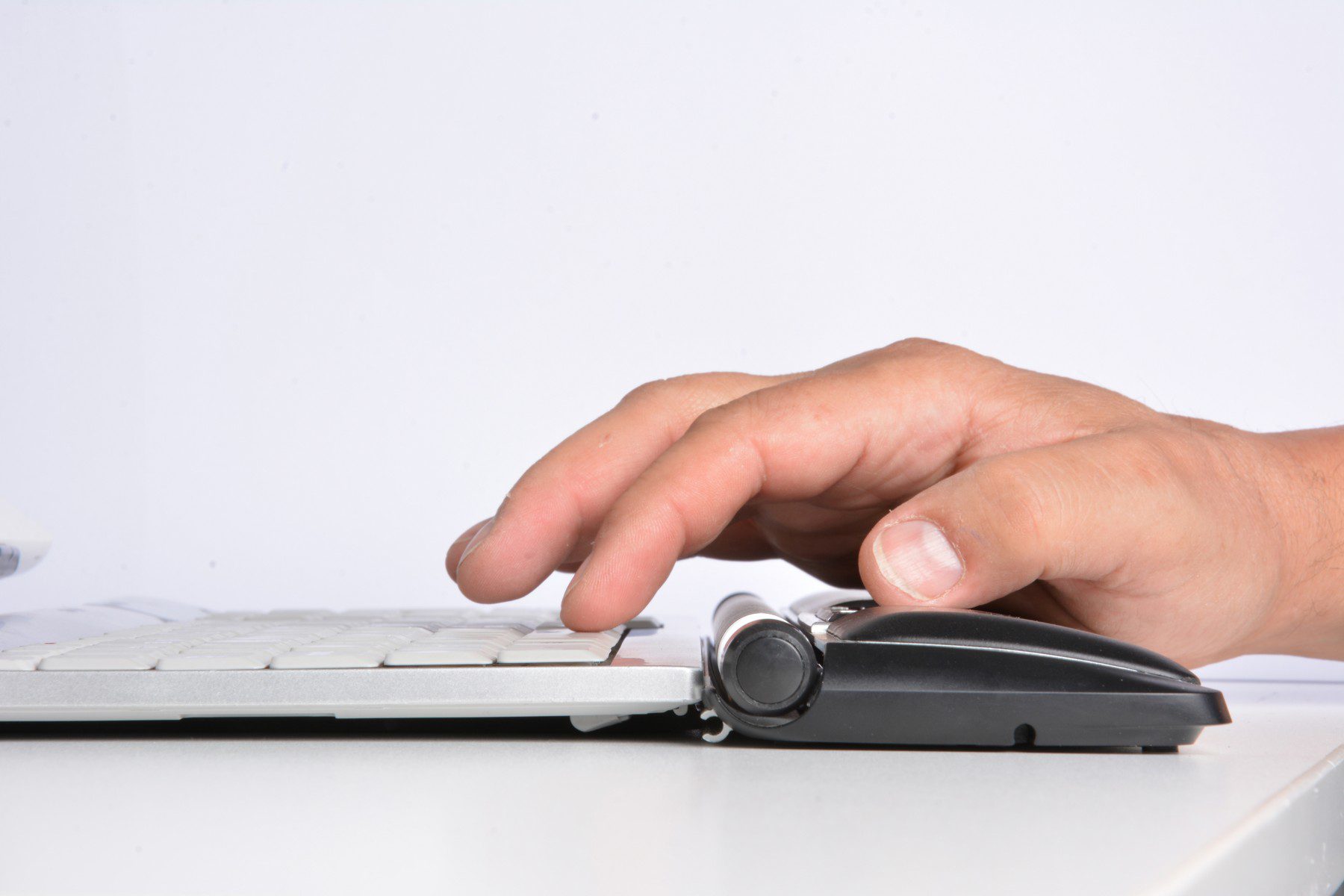
Most of us keep the mouse out to the side and reach for it hundreds of times a day. The BarMouse 3 moves your pointing device to the centre of your desk, directly below the spacebar, so your hands stay close to the keyboard the whole time.
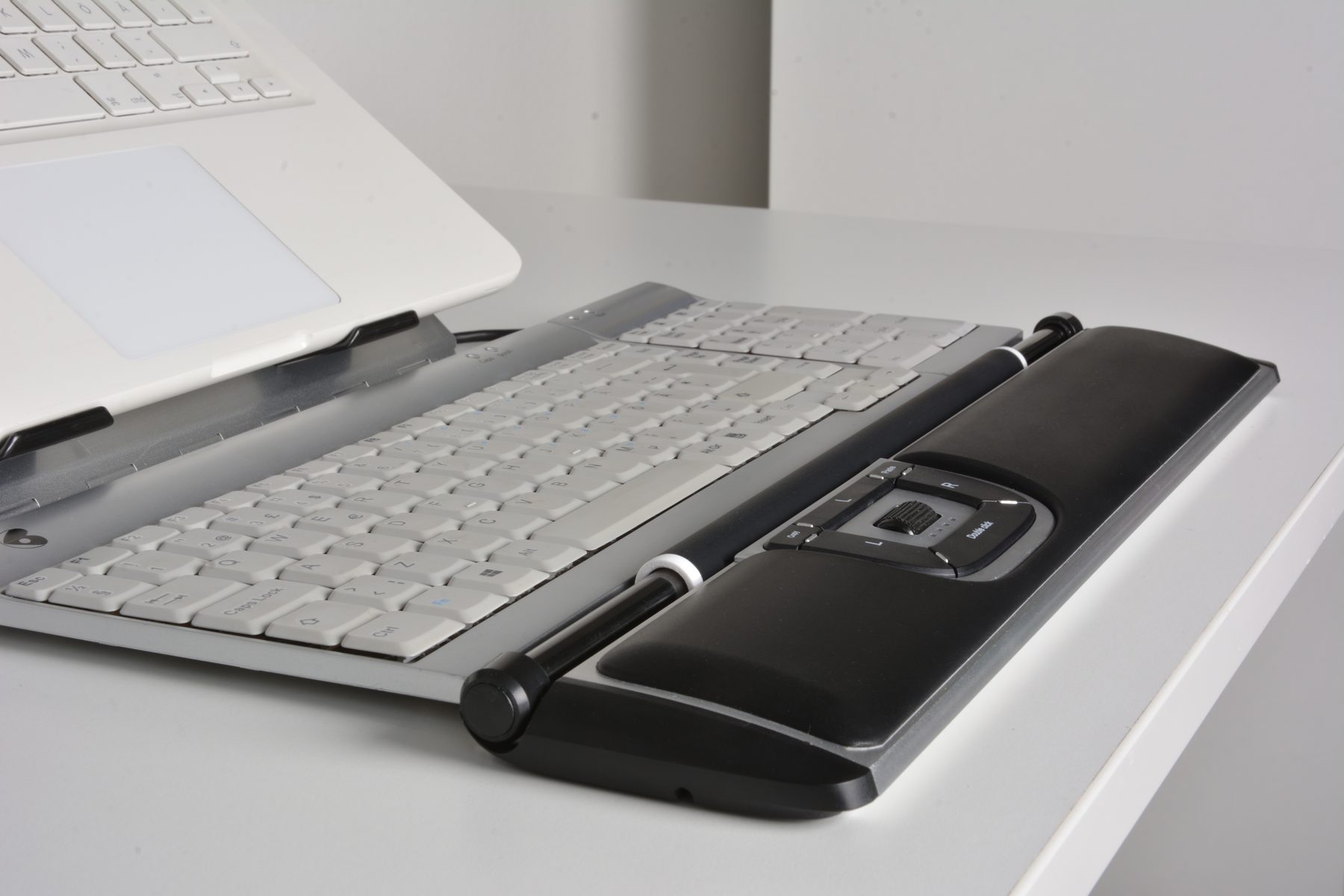
Roll the bar up and down to move the cursor vertically. Slide it side to side to move horizontally. Press the bar to click. You can use your left hand, your right hand or both, and swap whenever you like.
Built for slim modern keyboards
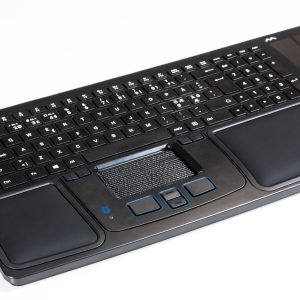
The BarMouse 3 is the lowest-profile BarMouse yet, standing just 21mm high. It lines up with the thin keyboards on most office desks today, so your hands rest flatter and more relaxed as you work. A soft palm rest runs the full width of the device, with three wrist positions to choose from.
Eight buttons, set up in seconds
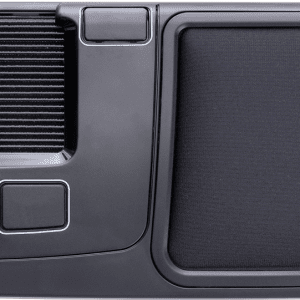
Choose from twelve preset button layouts, including copy, paste, browsing shortcuts and a macOS layout, all selected on the device itself with no software. Set the cursor speed across twelve levels from 400 to 2,800 DPI, shown on four LED indicators. Click tension on the bar is adjustable, so you can make it lighter or firmer to suit your touch.
Swedish design, made to last
Kenson has been designing ergonomic input devices in Sweden since 1991. The BarMouse 3 is designed and assembled in Sweden, with a durable aluminium casing built for years of daily office use.
Try it before you buy
Not sure a bar mouse is for you? Book a time at our Warners Bay showroom, serving Newcastle, Lake Macquarie and the Hunter, and try the BarMouse 3 for yourself.
Prefer to buy online? We ship Australia-wide, and you can return it within 7 days for a change of mind if it’s in as-new condition with undamaged packaging. See our returns policy for full details.
Specifications
| Type | Central pointing device (roller bar mouse) |
| Handedness | Ambidextrous: left, right or both hands |
| Connection | Wired USB, plug and play |
| Drivers | None required |
| Compatibility | Windows, macOS, Linux |
| Buttons | 8, including clickable bar |
| Button layouts | 12 presets, including macOS |
| Resolution | 400 to 2,800 DPI, 12 levels |
| Sensor | Optical |
| Click tension | Adjustable |
| Palm rest | Integrated, full width, 3 wrist positions |
| Height | 21mm |
| Length | 405mm |
| Width | 87mm |
| Control bar | 260mm long, 16mm diameter |
| Cable length | 2.5m |
| Weight | 700g |
| Casing | Aluminium |
| Origin | Designed and assembled in Sweden |
| Warranty | 12 months |
FAQs
Will the BarMouse 3 suit my keyboard?
It’s designed to pair with slim, low-profile keyboards and sits directly below the spacebar. If you use a taller keyboard, bring it to the showroom or contact us before you buy.
Does it work with a Mac?
Yes. It’s plug and play on macOS and includes a macOS button layout. The copy and paste buttons aren’t supported on macOS.
Do I need to install software?
No. Everything, including button layouts and cursor speed, is set on the device itself.
Can left-handed people use it?
Yes. The bar runs the full width and works equally well with either hand.
Can I try one first?
Yes. Book a time at our Warners Bay showroom to try it in person. Call us on 0409 512 434