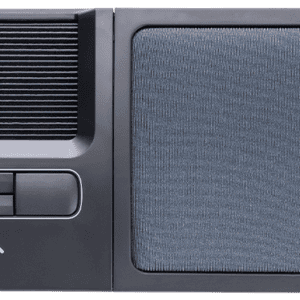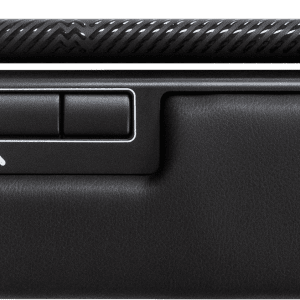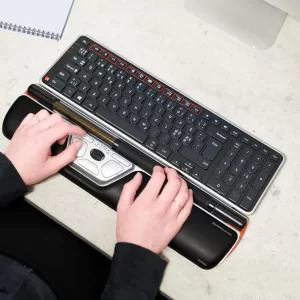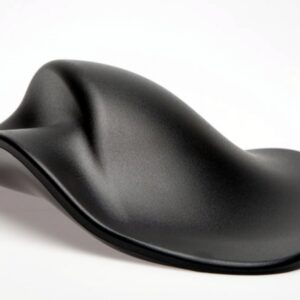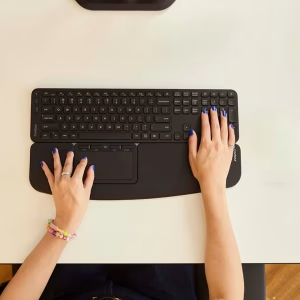
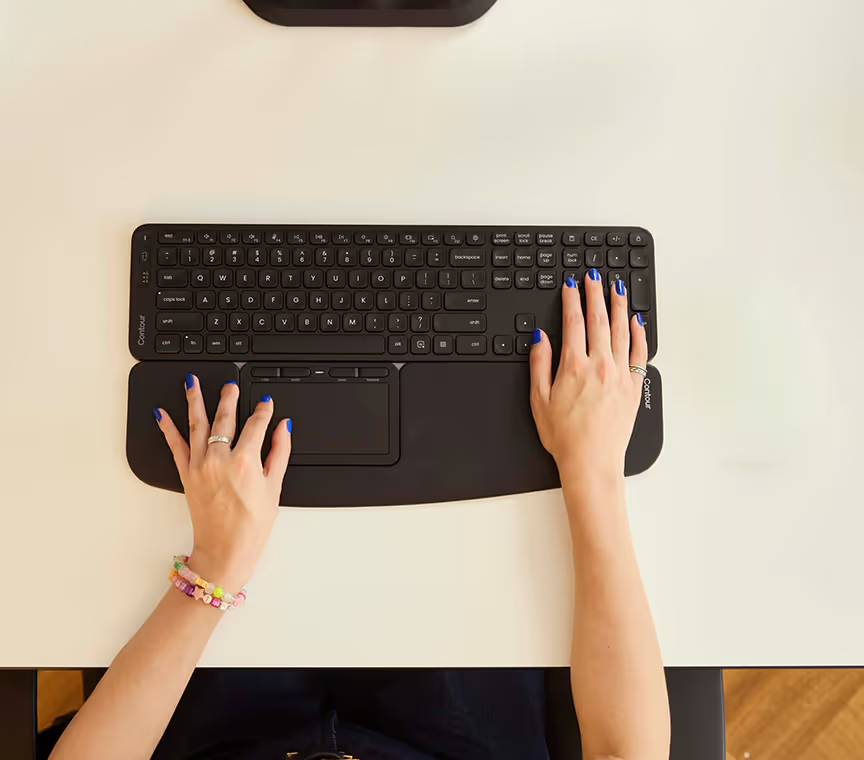

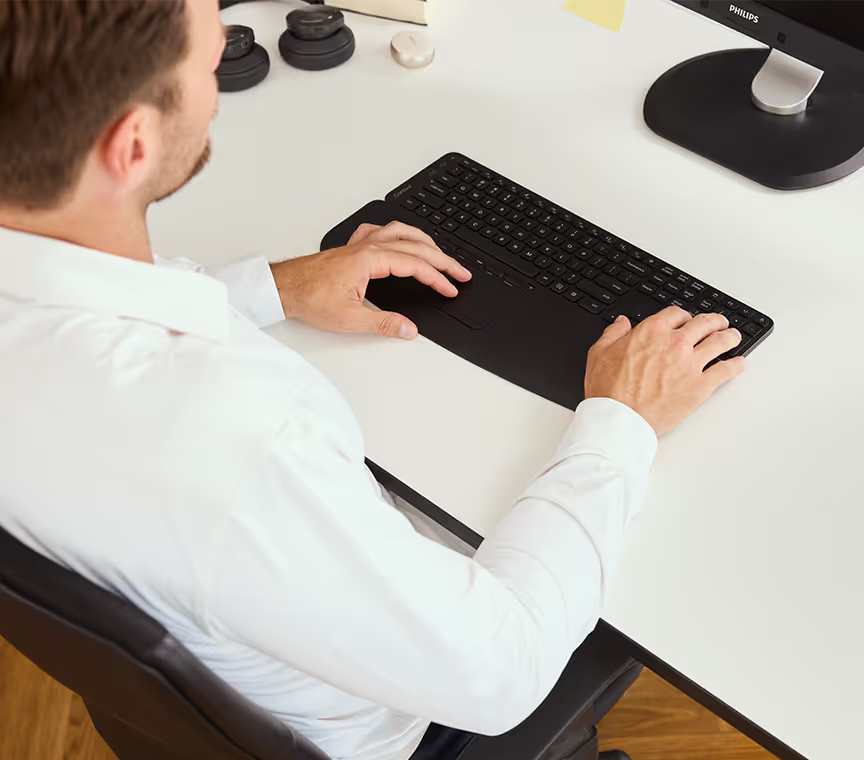
A regular mouse sits out beside your keyboard, so you reach out for it hundreds of times a day. The Contour Touch brings your cursor control to the centre of your desk, right in front of your keyboard.
It fills the space between your spacebar and your body, so your arms stay close in and even, with your shoulders relaxed. You move the cursor with your fingertips on a central trackpad.
Familiar trackpad control
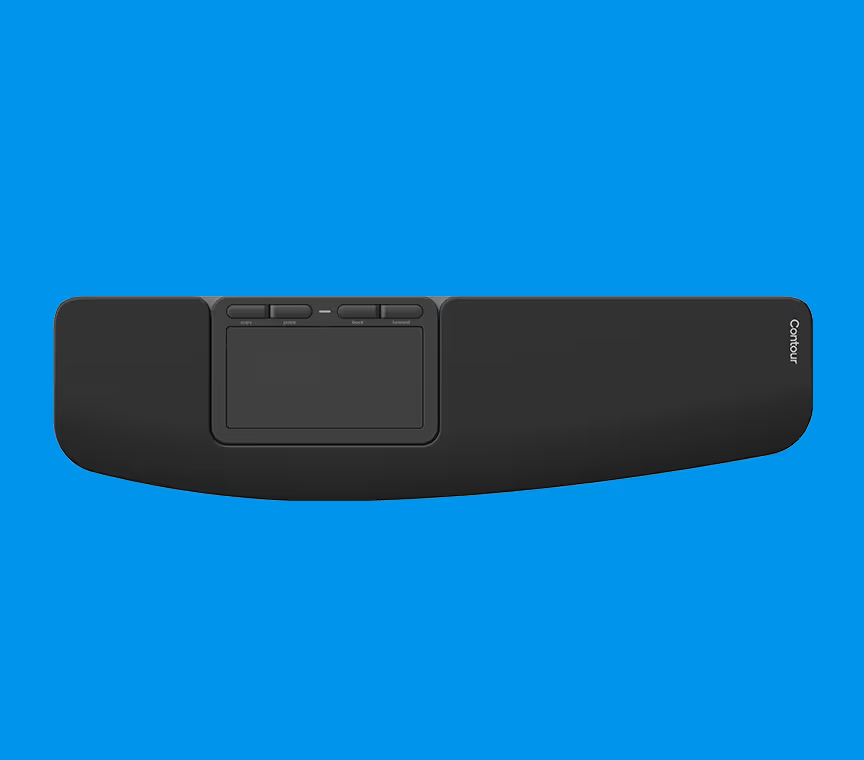
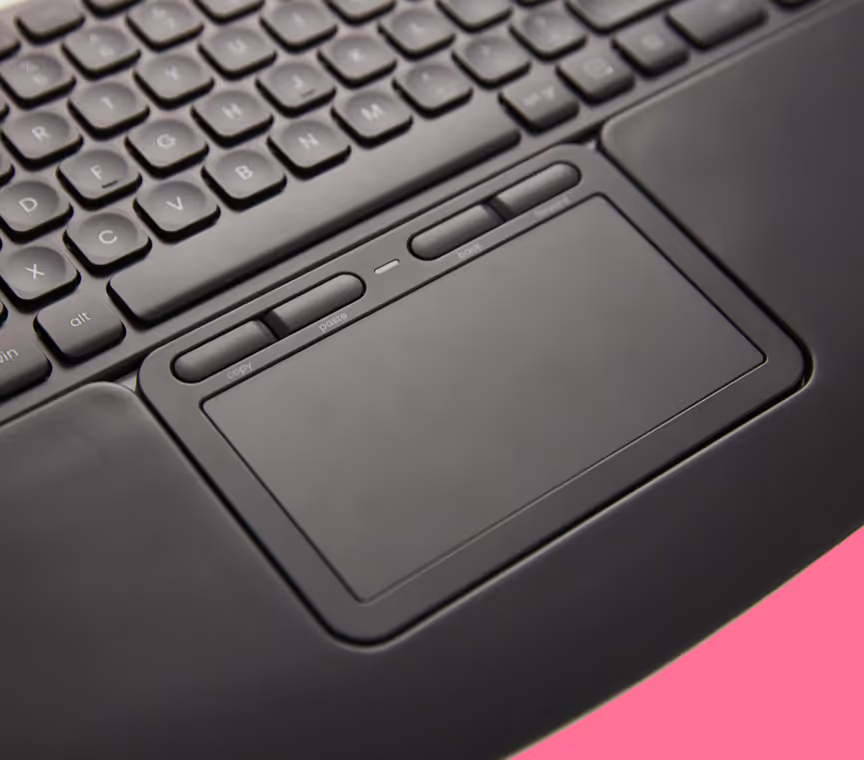
Instead of a rollerbar or slider, the Contour Touch uses a high-resolution, gesture-based trackpad. If you use a laptop trackpad, there’s almost nothing new to learn. Pointing, tapping, scrolling and multi-touch gestures work straight out of the box.
Full-size wrist rest
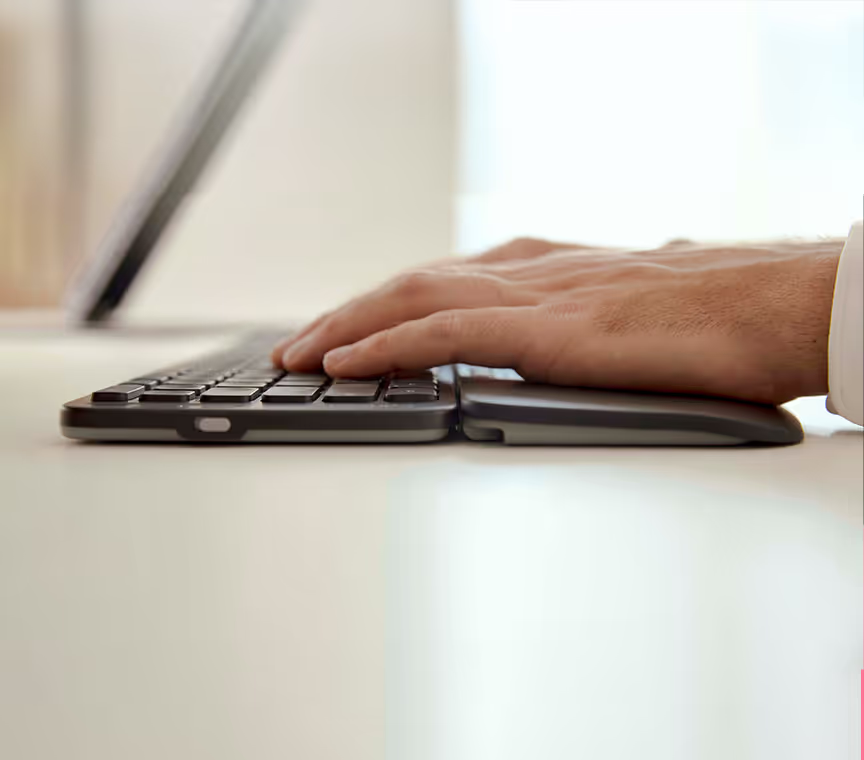
A full-size cushioned wrist rest supports your palms and wrists flat and level with the trackpad. It’s firm enough to stay supportive through long sessions and soft enough to stay comfortable.
Click anywhere, with shortcut buttons
Click anywhere on the trackpad. Dedicated buttons above it are set up for copy, paste, back and forward, and you can reprogram them to suit the way you work.
Not sure whether the Contour Touch, a RollerMouse or a SliderMouse suits you best? Use the Book a showroom visit button above to try it in person and talk through the options with us.
Specifications
- Design: Centred trackpad pointing device
- Control: High-resolution multi-touch trackpad with click-anywhere surface
- Buttons: Shortcut buttons (copy, paste, back, forward), fully programmable
- Wrist rest: Full-size cushioned wrist rest
- Connectivity: Wired (USB-C), cable included
- Compatibility: Windows and macOS, plug and play
- Works with: Desktop PCs, laptops and external keyboards such as the Contour Balance Keyboard