
A handshake, not a palm-down grip
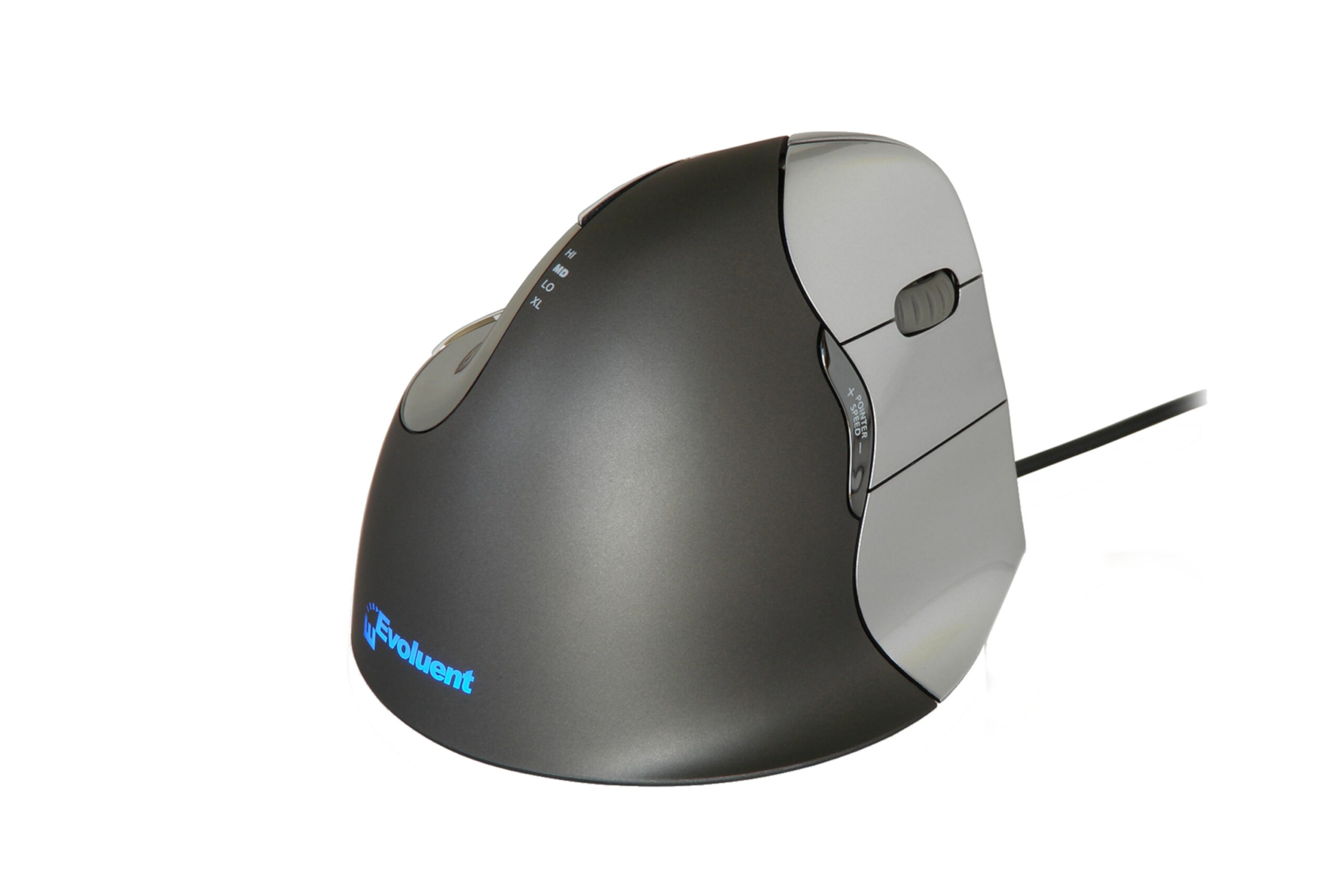
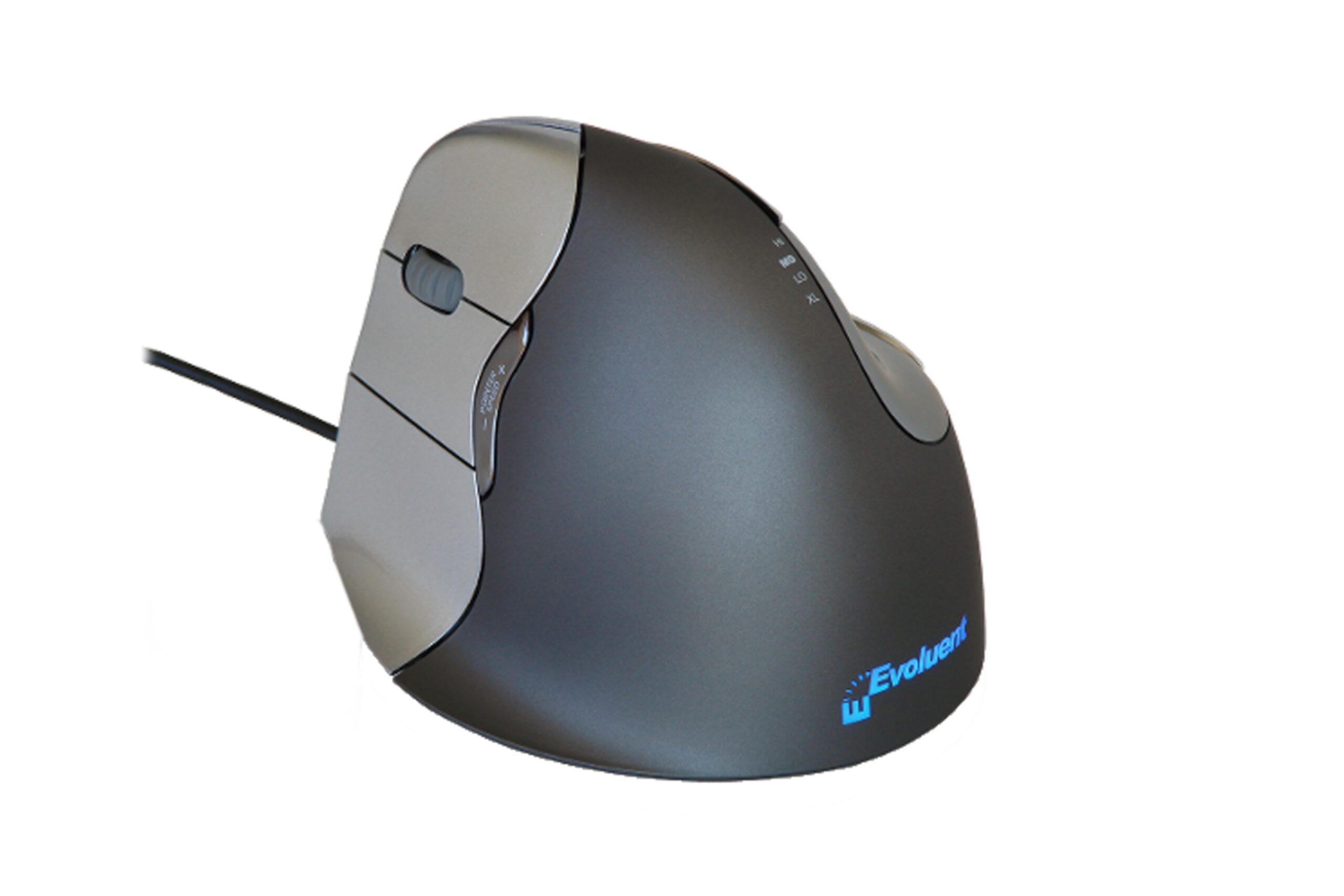
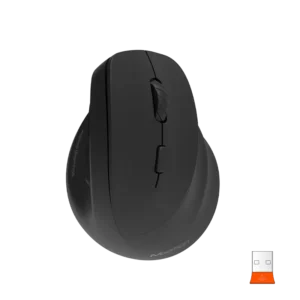
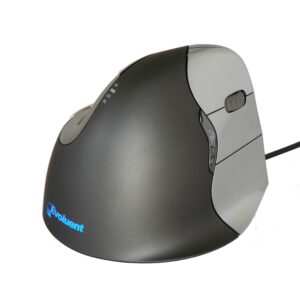
A standard mouse makes you turn your forearm flat to the desk and hold it there all day. The Evoluent’s shape sits your hand upright in a relaxed handshake position, with your thumb resting in a contoured notch. Your fingers sit where they would on a normal mouse, just turned on their side, so it’s quick to get used to.
Steady when you click
Your thumb sits opposite your fingers, so the mouse stays put when you press a button instead of sliding off target.
Buttons where you need them
- Six programmable buttons: two for your thumb, three for your fingers, plus the scroll wheel click.
- Pointer speed button: sits behind the wheel, with up to four lights showing the setting. Go faster for everyday work, slower for drawing or photo editing.
- Extended lip: a wide lip along the bottom edge keeps your little finger off the desk.
- Optional software: it works straight out of the box. Install the free Evoluent Mouse Manager if you want to set the buttons to your own shortcuts.
Left handers, this one’s yours too
Plenty of ergonomic mice only come in right hand. The VerticalMouse 4 has its own left hand version, shaped for your left hand rather than a one-size-fits-both compromise.
Try it first
We have right and left hand samples in the showroom. Book a showroom visit and see how it feels in your hand.
Specifications
| Model | VM4R (right hand), VM4L (left hand) |
| Connection | Wired |
| Buttons | 6 programmable (2 thumb, 3 finger, scroll wheel click) |
| Pointer speed | Adjustable, with 4 indicator lights |
| Height | 77mm |
| Width | 80mm |
| Depth | 113mm |
Questions before you buy? Call Josh on 0409 512 434 or email sales@selectergo.com.au.
Reviews
There are no reviews yet.