A standing desk you don’t have to build yourself
Most standing desks arrive as a heavy box on your doorstep, with a bag of bolts and an instruction sheet. You build it on the floor, flip it over, and hope it doesn’t wobble.
We do it differently. Come and try the desk at our Warners Bay showroom. Raise it to full height, lean on it, and see how it feels with a monitor arm attached. Then choose your size and colours, and we’ll deliver it, put it together and set it up for you.
Why we chose this frame
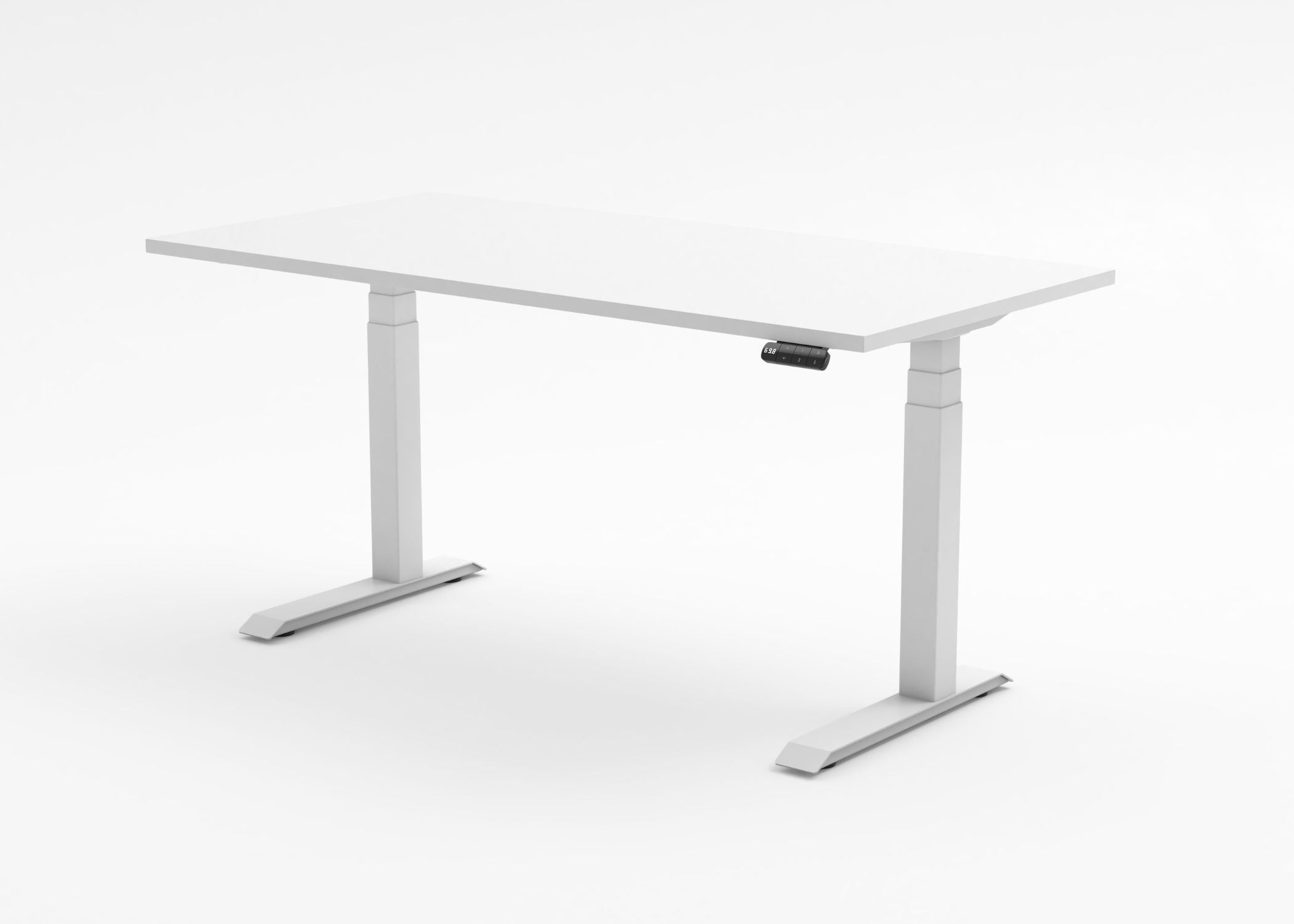
We build our desks on the Elevar ENV frame, from an established Australian workstation brand.
Here’s what you get:
- A motor in each leg. Both legs share the work, so the lift is smooth and even, even with two screens on top.
- Fast and quiet. It rises at 60 mm a second, at under 45 dB. That’s about six seconds from a typical sitting height to standing.
- Three memory presets. Save your favourite heights and switch between them at the touch of a button.
- It stops if something’s in the way. Collision control halts the desk if it meets an obstacle, such as a chair arm or a drawer unit.
- It stops if it tilts. A tilt sensor stops the desk if one side starts to lift unevenly.
- Desk lock. Lock the controller so little hands can’t send it up or down.
- Shelf stop. Set a height limit so the desk never hits a windowsill or a shelf above it.
- USB-C charging built into the controller.
- Adjustable feet. Each foot adjusts 15 mm up or down, so it sits level on an uneven floor.
- 10-year warranty on the frame, mechanics and electrics.
Scalloped or straight edge?
Every desktop is 25 mm melamine. Choose the back edge that suits your space.
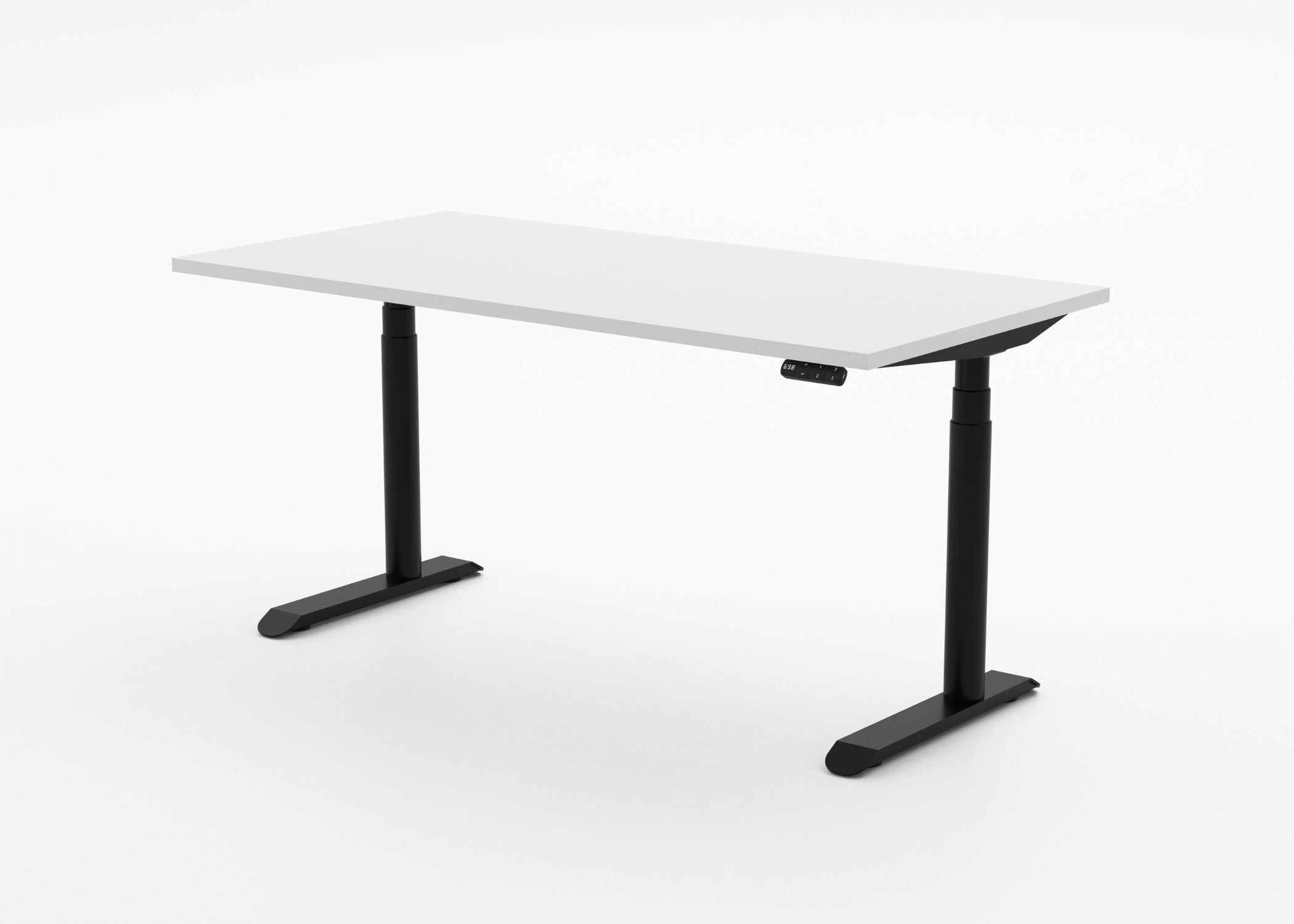
Scalloped edge: A curved cutout along the back edge lets your cables drop straight through. The desk can sit closer to the wall without crushing a power lead or a monitor cable, and you get back the space a gap behind the desk would take.
Straight edge: A clean, unbroken edge all the way across. A good choice if your desk sits away from a wall, or if you’d rather manage cables with a cable tray. It saves you $25.
Built to your size, frame and colours
Sizes: 1200, 1500 or 1800 mm wide, all 750 mm deep.
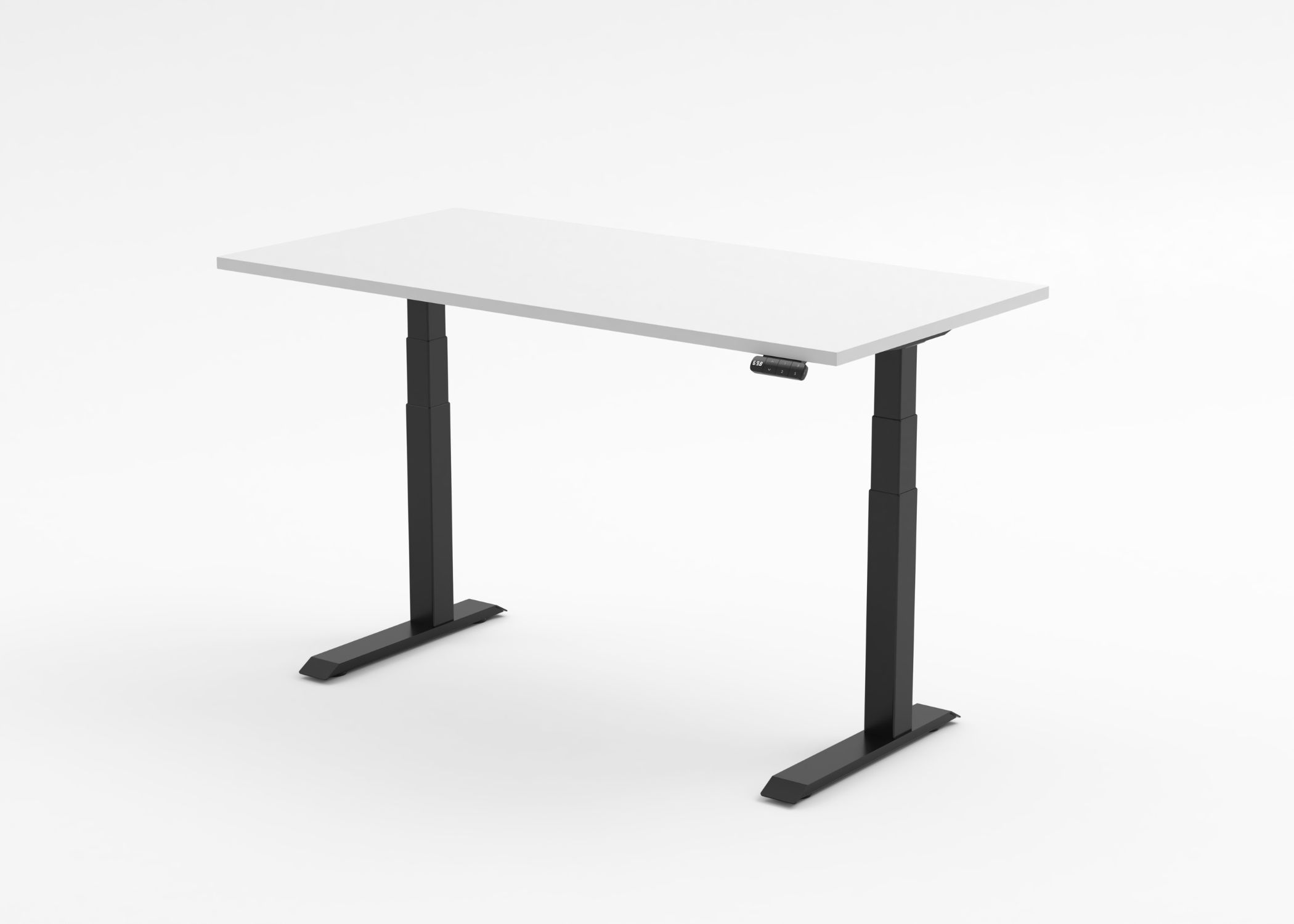
Frame column: square or round. Round columns give a softer look and cost a little more.
Frame foot: choose a T foot, with the column in the centre of the foot, or a C foot, with the column set further back for more legroom at the front. Same price either way.
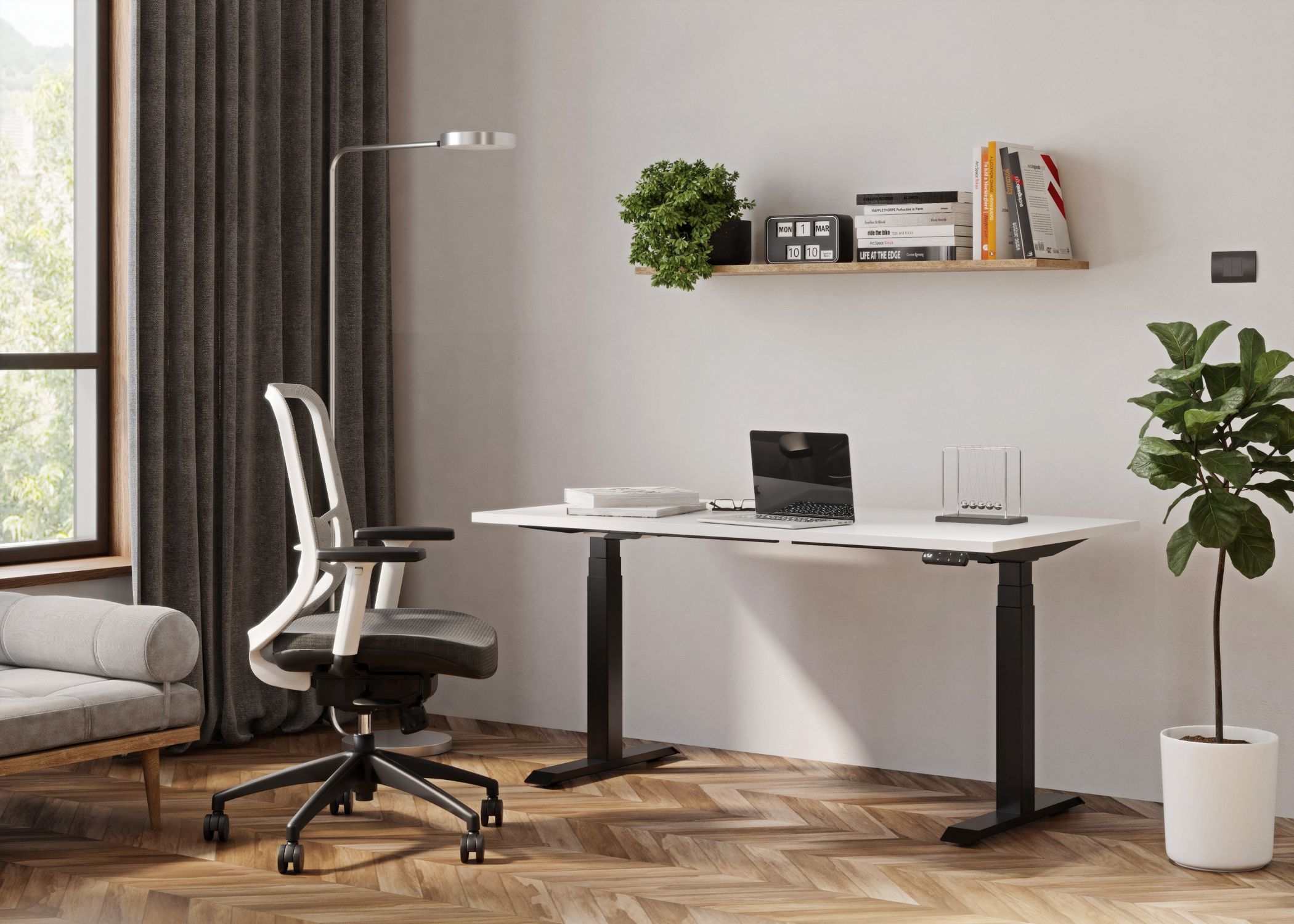
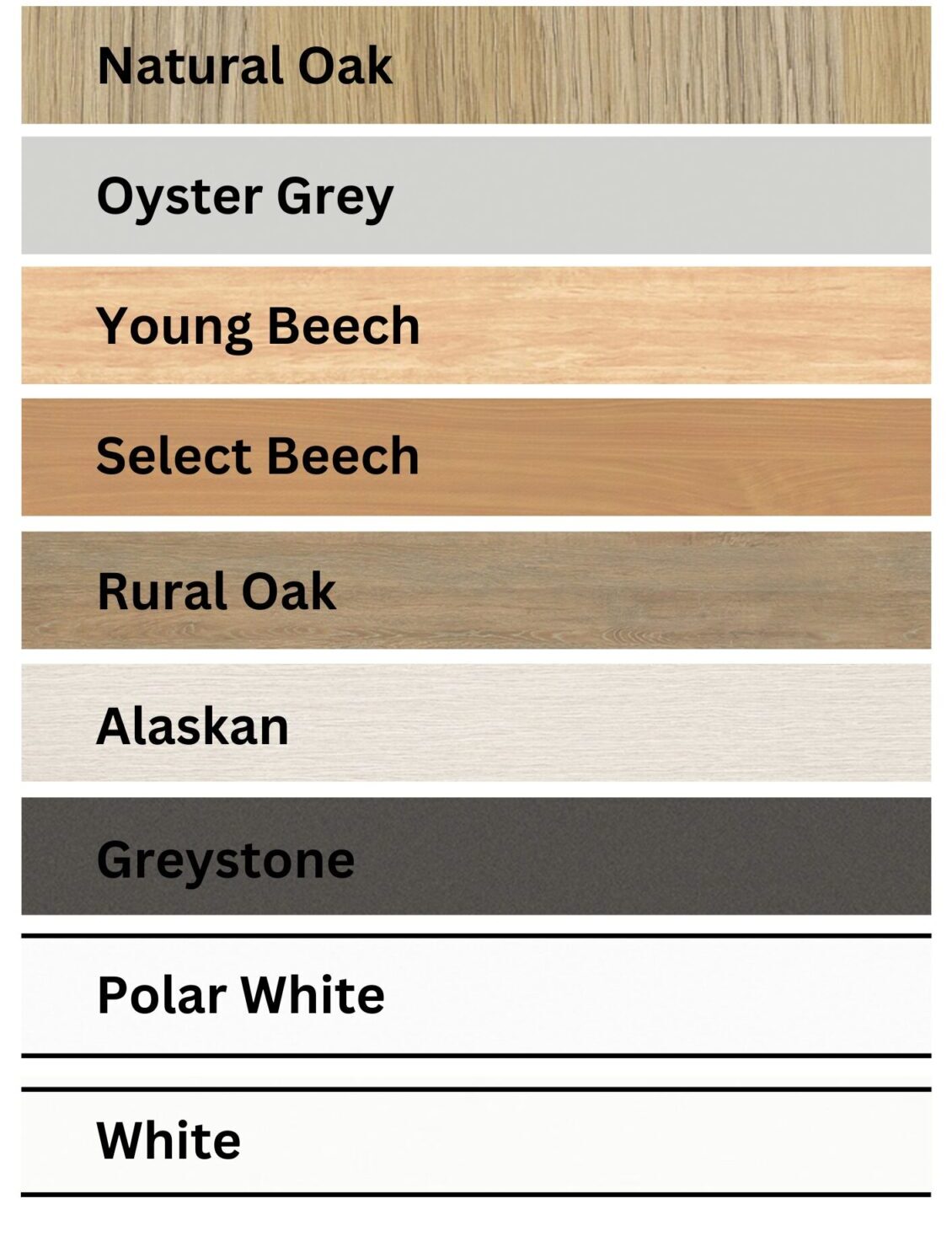
Desktop colours: Natural Oak, Rural Oak, Young Beech, Select Beech, Oyster Grey, Greystone, Alaskan, Polar White and White.
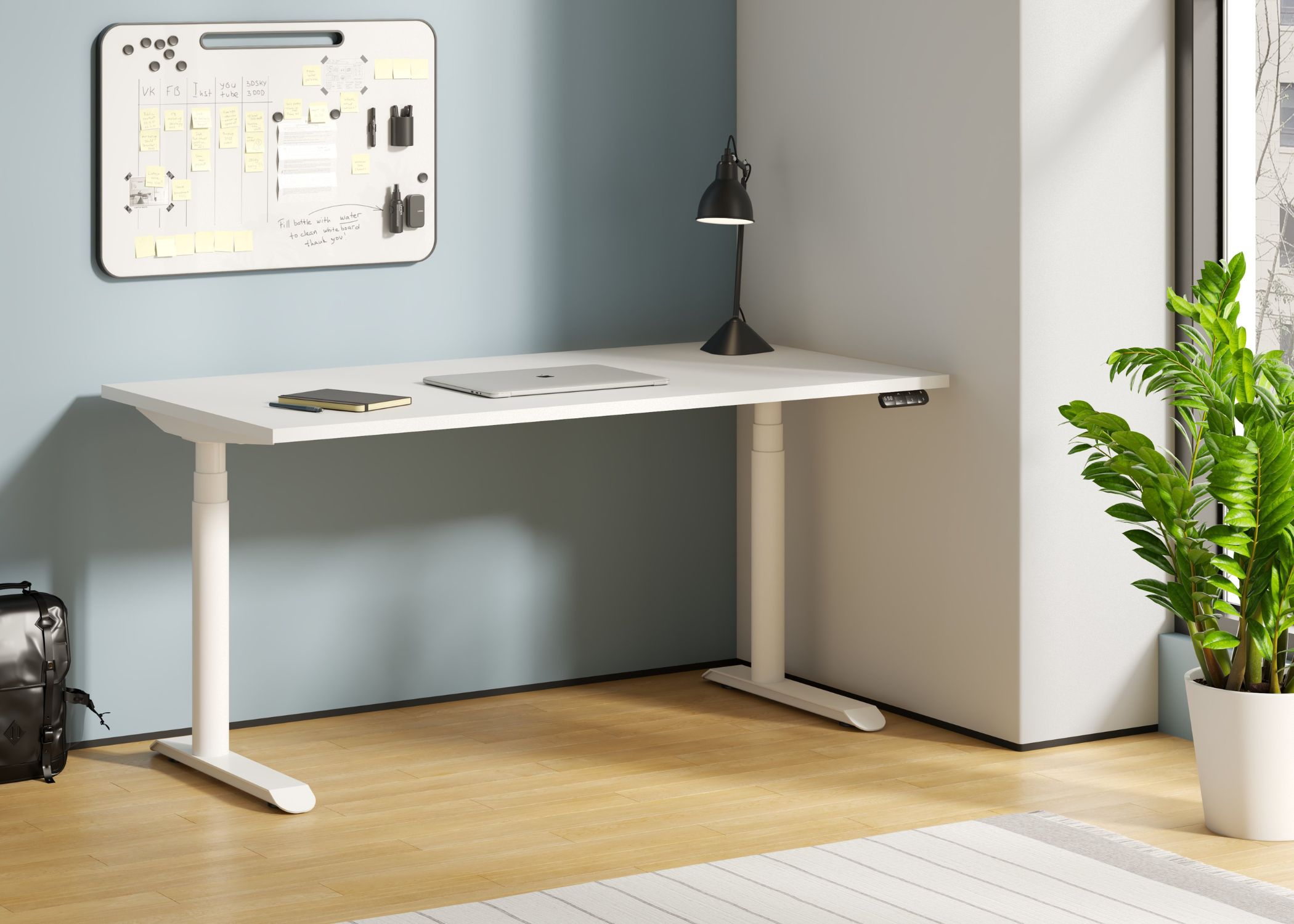
Frame colours: Jet Black or Pearl White as standard. Elevar offers 12 more frame colours, but not all are available yet, so ask us before you order. Some may cost extra.
Screens never show colours quite right. Come and see the samples in person, or ask us for a photo.
Prices
| Desk size | Square column | Round column |
| 1200 x 750 mm | $860 | $905 |
| 1500 x 750 mm | $895 | $940 |
| 1800 x 750 mm | $910 | $960 |
Prices include GST and a scallop cable cutout (-$25 for no cutout). Delivery and assembly are extra.
Delivered, assembled and set up
Each desk is built to order and ready in 1 to 3 weeks. We deliver across Newcastle, Lake Macquarie and the Hunter, priced by drive time from our Warners Bay showroom.
| Service | Price inc GST |
| Delivery, up to 15 min | $66 |
| Delivery, 15 to 30 min | $88 |
| Delivery, 30 to 60 min | $110 |
| Delivery, over 1 hour | Call us |
| Assembly, desk and up to one accessory | $132 |
| Each additional accessory assembled | $33 |
| Personal setup | $66 |
With personal setup, we save your sitting and standing heights into the memory presets and adjust your chair to match. The desk is ready to use the moment we leave.
Rather do it yourself? Choose delivery only, or collect from Warners Bay.
See it at full height before you buy
Photos can’t tell you how a desk feels at standing height. Book a time at our Warners Bay showroom and try it for yourself. Call Josh on 0409 512 434 or email sales@selectergo.com.au.
Complete your setup
- Valor HD single monitor arm, black or white: $175
- Valor HD dual monitor arm, black or white: $250
- Cable tray and power: $145
- Anti-gravity caddy: $230
- Cable Boa: $40
- Toro anti-fatigue floor mat: $90
- Ergoapt laptop stand: $89
- X-fold laptop stand: $65
Happy with your current desk? A MaxiShift Electric standing desk converter sits on top of it instead.
Specifications
| Frame | Elevar ENV, three-stage legs, one motor per leg |
| Column | Square or round |
| Height range | 620 to 1280 mm (with 25 mm top) |
| Standard | Complies with AS/NZS 4442 |
| Lift speed | 60 mm per second |
| Noise | Under 45 dB |
| Lift capacity | 120 kg |
| Controller | 3 memory presets, collision control, tilt sensor, desk lock, shelf stop, USB-C charging |
| Feet | 600 mm C foot or T foot, adjustable glides (plus or minus 15 mm) |
| Frame finish | Jet Black or Pearl White, more colours on request |
| Desktop | 25 mm melamine, scalloped or straight back edge |
| Sizes | 1200, 1500 or 1800 x 750 mm |
| Warranty | 10 years frame, mechanics and electrics |
| Lead time | 1 to 3 weeks |
Frequently asked questions
Is the desk stable at standing height?
The ENV frame uses three-stage steel legs with a motor in each, and the feet adjust to sit level on an uneven floor. Even so, the best test is your own. Come to our showroom, raise it to full height with a monitor arm attached, and lean on it.
What’s the difference between a single and a dual motor desk?
A single motor desk drives both legs from one motor. A dual motor desk has a motor in each leg, so the lift is smoother and more even, and it copes better with heavier setups.
How quiet is it?
Under 45 dB while moving. That’s about the level of a quiet conversation, and it’s only moving for a few seconds at a time.
How fast does it go up and down?
60 mm a second, which takes it from a typical sitting height to standing in about six seconds.
How much weight can it carry?
120 kg spread across the desktop. That comfortably covers a typical setup of two monitors on an arm, a laptop and a docking station.
Is it safe with kids around?
The controller has a desk lock, so it can’t be moved until you unlock it. Collision control also stops the desk if it meets something on the way down.
Should I choose a scalloped or straight edge?
Choose scalloped if your desk will sit against a wall, so your cables can drop through the cutout. Choose straight if the desk sits away from a wall or you prefer a clean edge. The straight edge is $25 cheaper.
Can I use a monitor arm with a scalloped top?
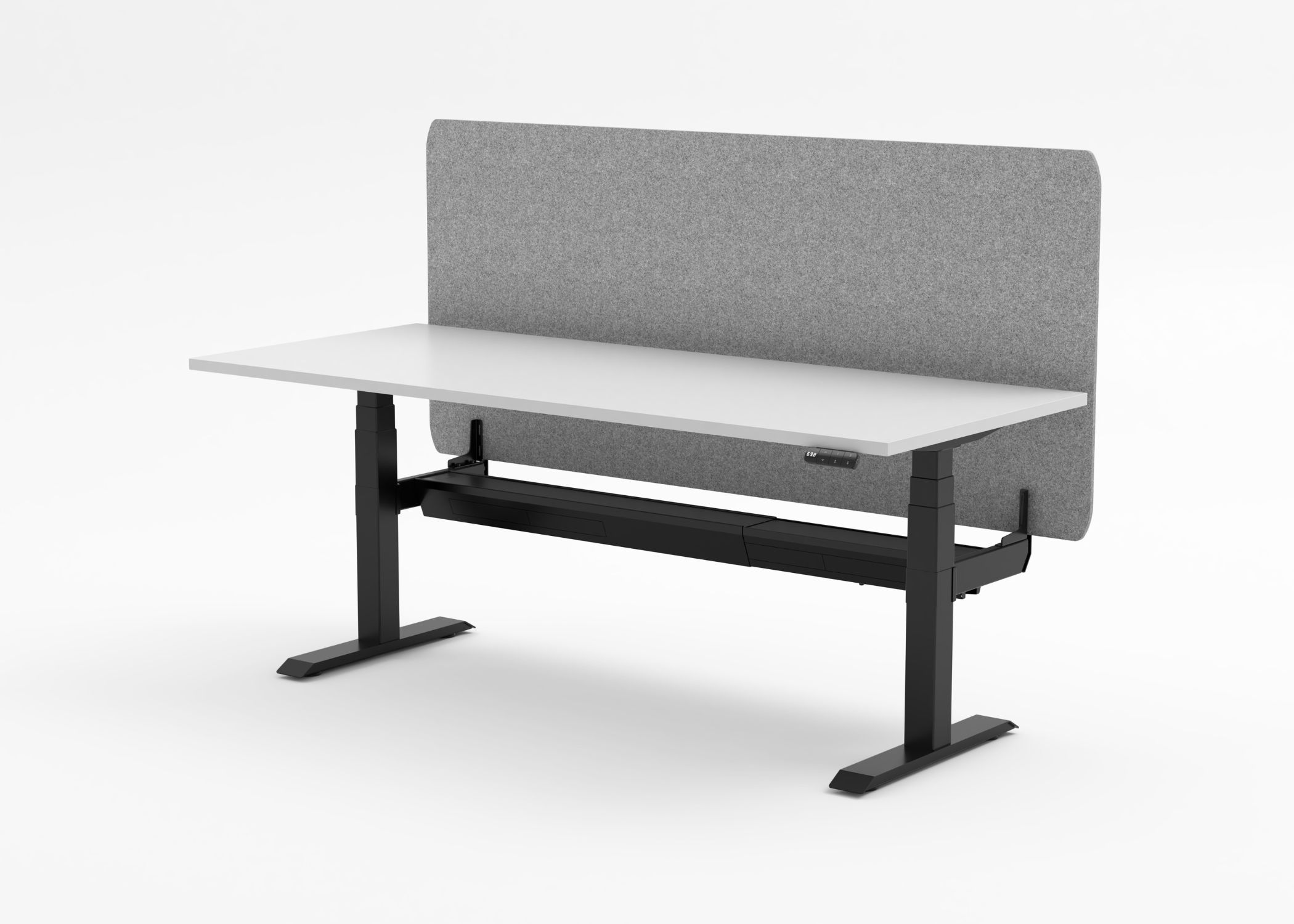
Yes. Clamp the arm to the flat section of the back edge beside the scallop. We can fit it for you when we assemble your desk.
What’s the difference between a C foot and a T foot?
The T foot has the column in the centre of the foot. The C foot sets the column further back, which gives you more legroom at the front. The price is the same.
Do you assemble the desk?
Yes. Assembly is $132 inc GST and covers the desk and one accessory, such as a monitor arm or cable tray. Each further accessory is $33.
How long until I get my desk?
Each desk is built to order. Allow 1 to 3 weeks from order to delivery.
Which areas do you deliver to?
Newcastle, Lake Macquarie and the Greater Hunter. Delivery is priced by drive time from Warners Bay. Desks are delivered locally only.
Can I return the desk if I change my mind?
Desks are built to order, so they aren’t covered by our 7-day change-of-mind return. That’s why we encourage you to try one at our showroom first. Your rights under the Australian Consumer Law are not affected.
Can I get a custom size?
Ask us. Call 0409 512 434 or email sales@selectergo.com.au