
Most keyboards push your mouse out to the side
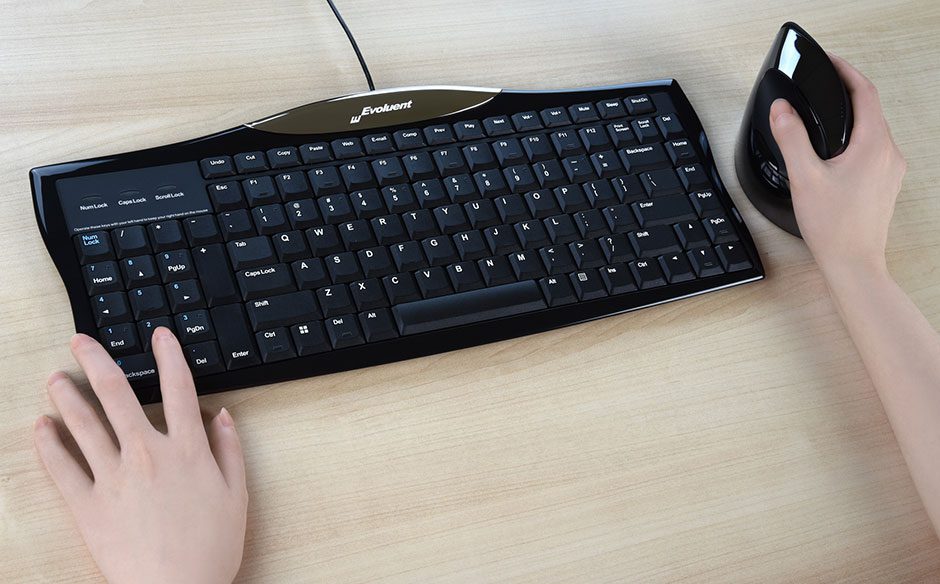
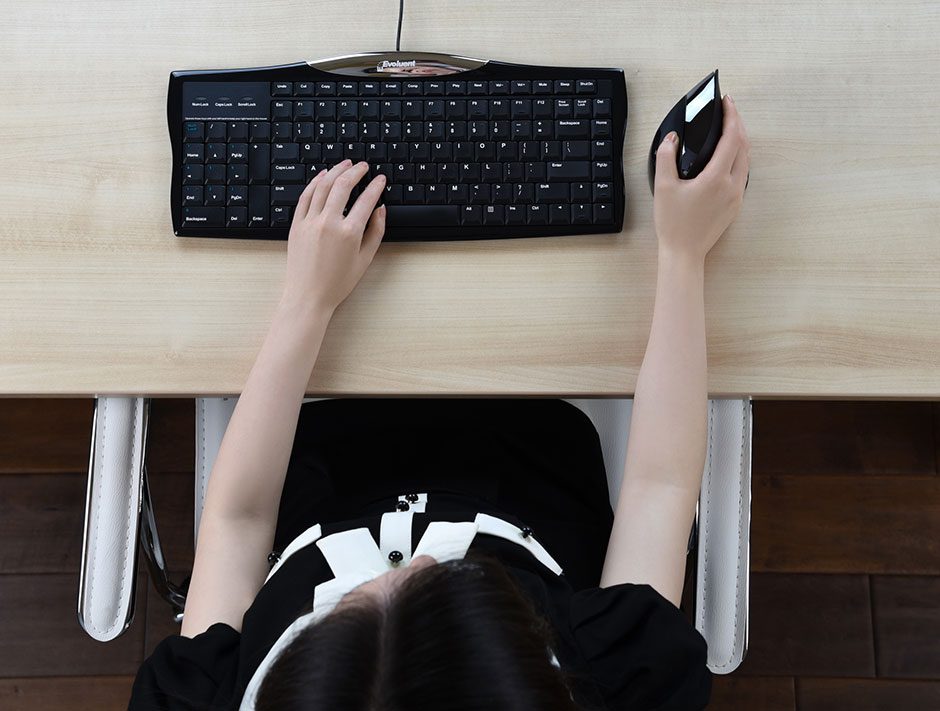
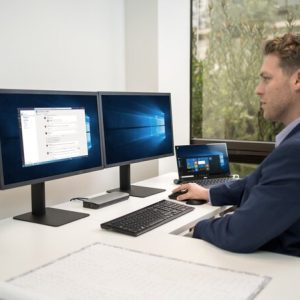
A standard full-size keyboard has its navigation and number keys on the right. With the letter keys centred in front of you, your mouse ends up well out to the right, and you stretch for it all day.
The R3K brings your mouse closer
- The number pad sits on the left, so your mouse can sit much closer on the right.
- Shorter reach to the mouse means a more relaxed arm position.
- Use the left-side number and navigation keys with your left hand while you mouse with your right.
Less moving between mouse and keyboard
- On a standard keyboard you move from the mouse back to the keyboard to press Enter, Delete, Page Up, Page Down, Backspace, Home and End.
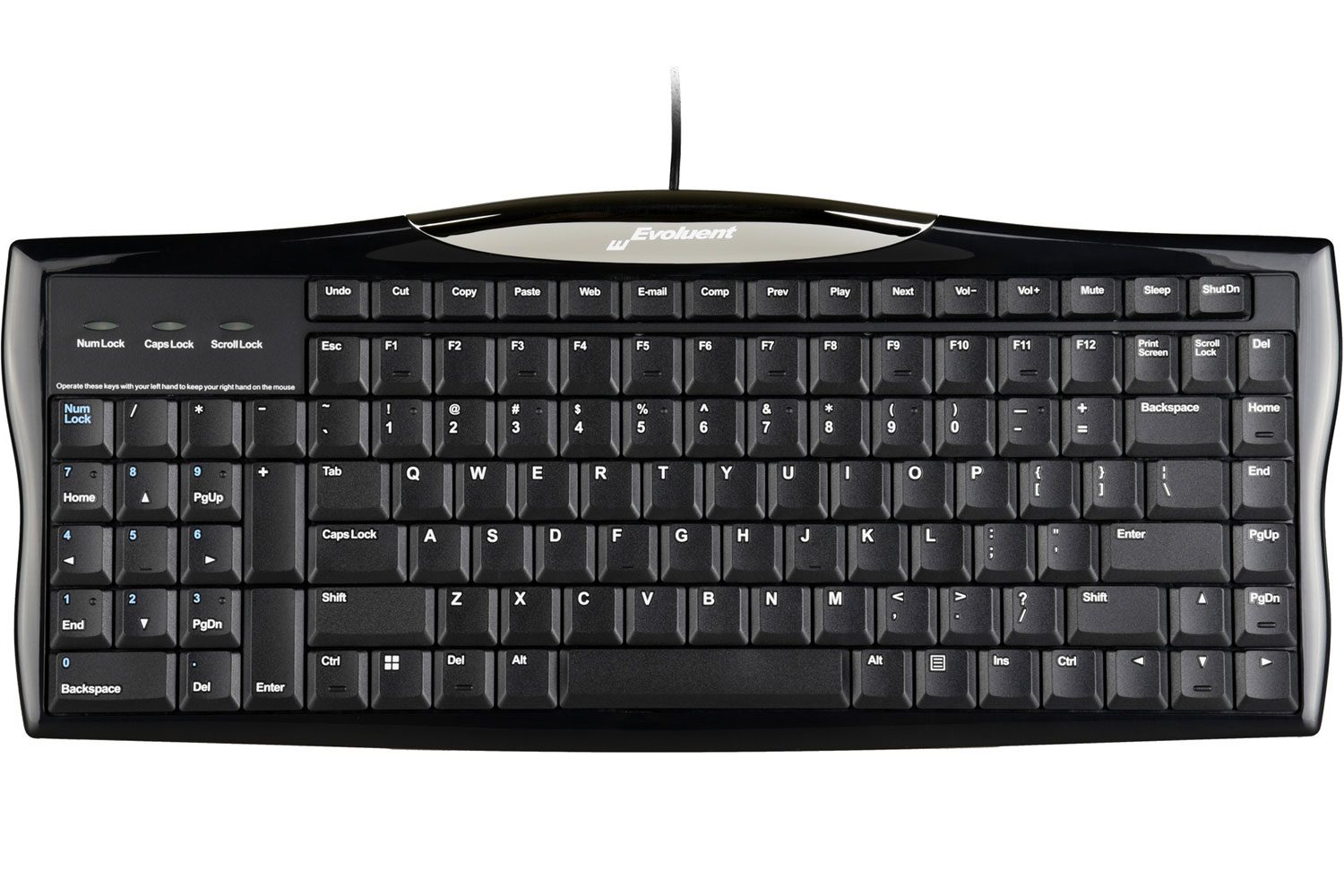
- The R3K has these keys on both sides, so they’re always within reach.
One-touch shortcut keys
Many keyboards hide shortcuts behind the Fn key, so you need two hands. The Evoluent has dedicated Windows shortcut keys you press with one touch.
Features
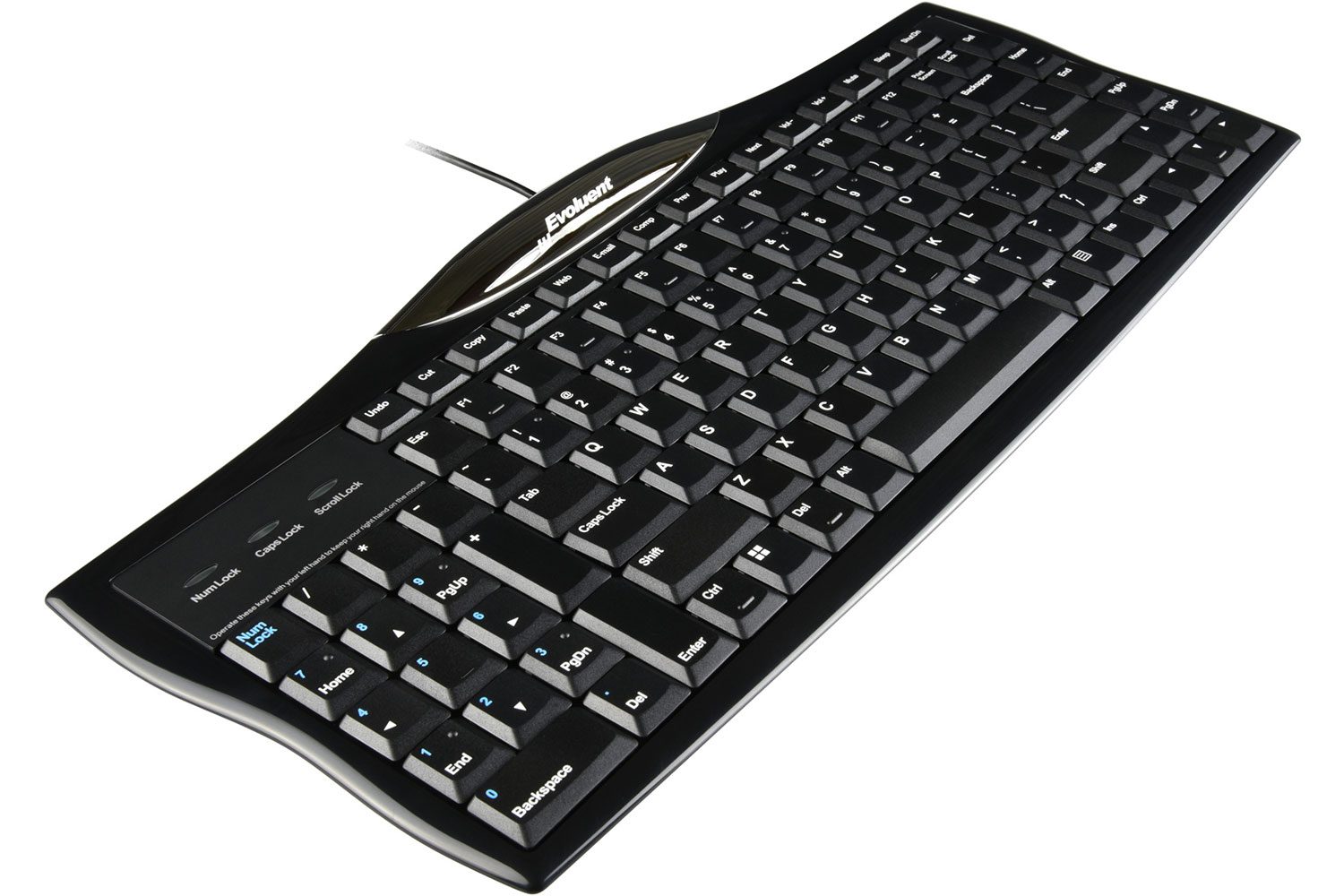
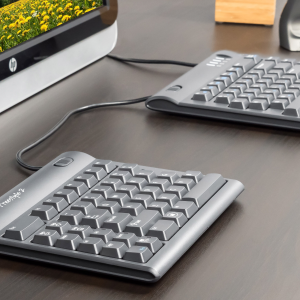
- Number pad on the left, so right-handed mouse users can keep the mouse close without giving up a built-in number pad
- Low-profile design
- Page Up, Page Down, Home, End and arrow keys on both sides, which makes the new layout easy to get used to
- Hotkeys for Undo, Cut, Copy and Paste, your browser and email, volume and media controls, sleep and shut down
Reviews
There are no reviews yet.